
Disclaimer! Ruralinfo.net is not sponsored or authorized by the NRLCA, the USPS or any state or local association. Click here to read full disclaimer

Postal employees are now able to reset their LiteBlue MFA

- Advertisement -

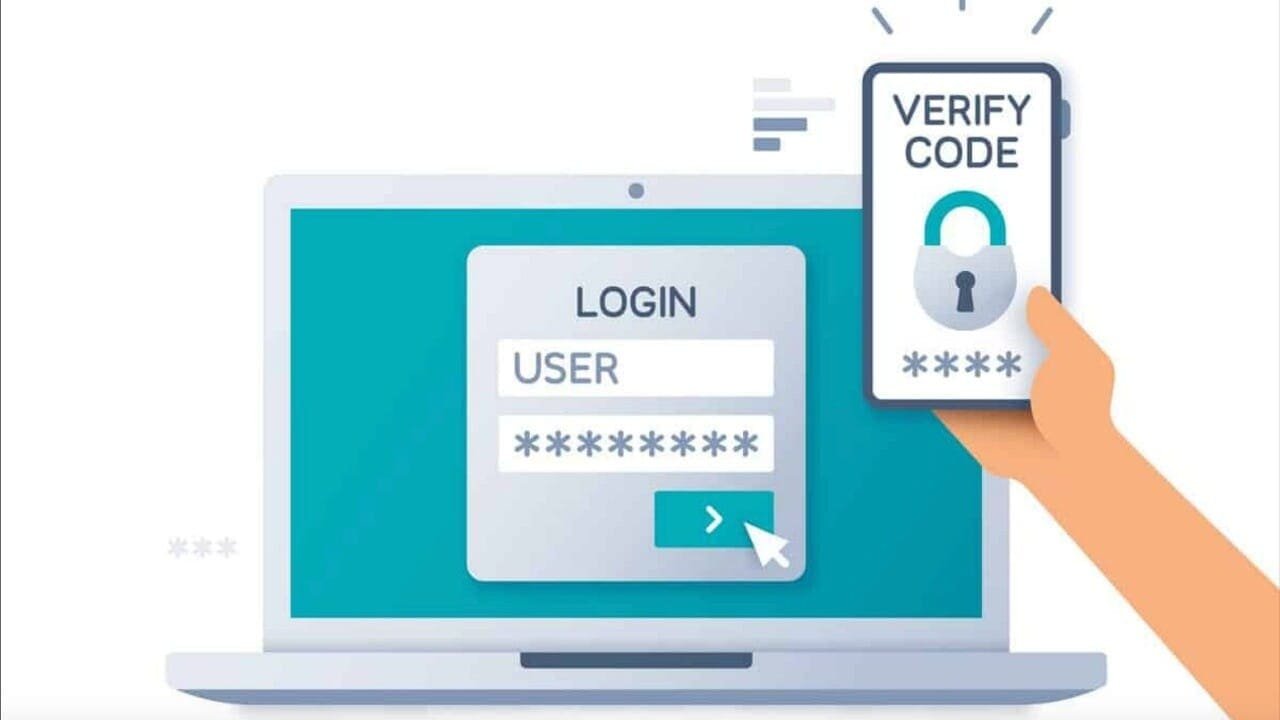
Postal Service employees are now able to reset their multifactor authentication security method, also known as MFA, when they log in to LiteBlue.

Employees can do so by clicking on the “Self-Service MFA Reset” link on the LiteBlue login screen and submitting the request. After a manager approves the request, the employee will receive an email with a link to set up, update or recover an MFA method.

Employees who encounter problems can contact the USPS IT Service Desk at 800-877-7435 and ask the agent to reset their MFA options.

- Advertisement -
Subscribe
Notify of
guest
0 Comments
Oldest
Newest Most Voted
Inline Feedbacks
View all comments

Hot this week

When Online PSHB Enrollment Fails: A Backup Plan for Postal Employees

For many USPS employees, this Open Season has been...

Amazon denies it is dropping US Postal Service

Amazon has told Newsweek it is not exploring the possibility of ending...

NRLCA – Payment Adjustments Related to Enactment of H.R. 1

The NRLCA has been notified by the Postal Service...

Implementation update on USPS Sorting & Delivery Centers

As part of the Delivering for America plan, the...

The Postal Service Is Ready for the Busiest Week of 2025

WASHINGTON — Next week is the last week to...

Related Articles

Popular Categories

Secret Link
0
Would love your thoughts, please comment.x
()
x