
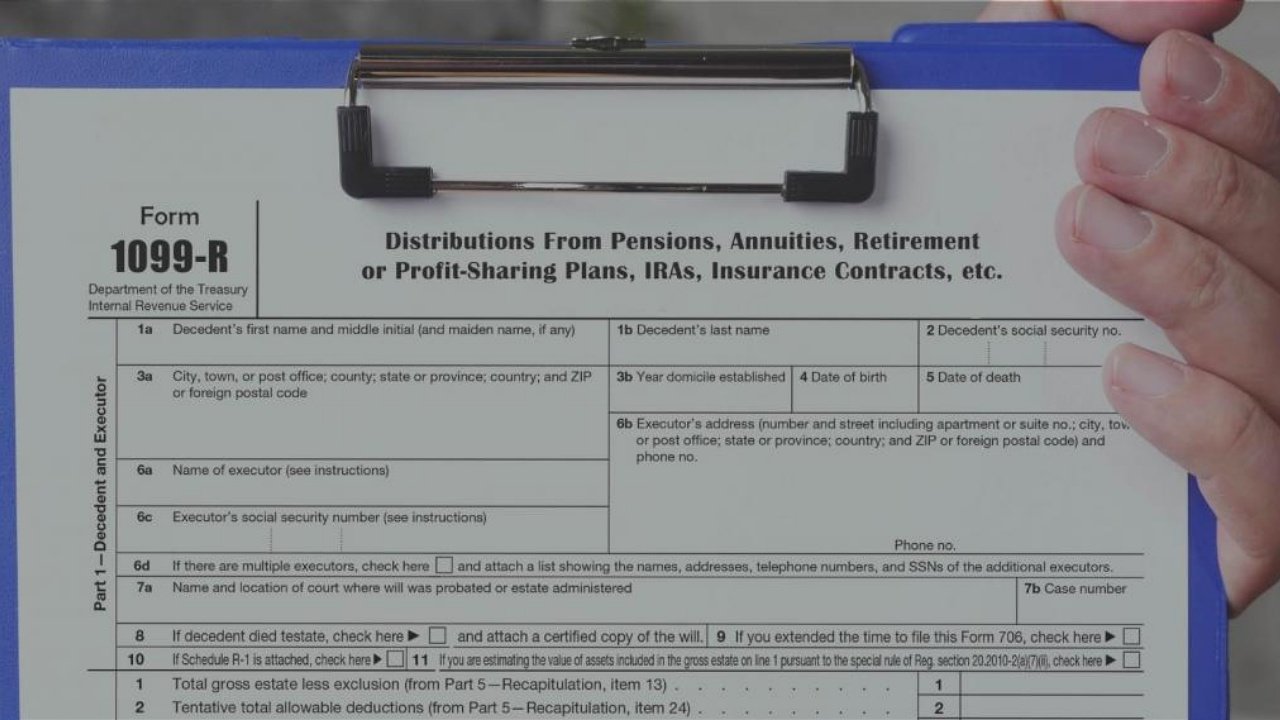
1099-R Tax for CSRS or FERS Federal Retirement Annuity
Your annual 1099-R tax form reports how much income you earned from your annuity. If you do not receive a 1099-R by postal mail, there are a few ways to get it from the Office of Personnel management’s Retirement Services Online.
Option 1: Use the 1099-R request tool. (No login needed)
- Visit the 1099-R Request page
- Enter your information to request a link
- Check your email for the download link
- Click the link in the email
- Re-enter your information and click Download 1099-R
Option 2: Download a copy within your account
- Log in to your Retirement Services Online account
- Click 1099-R Tax Form in the menu
- Click the 1099-R link for the tax year you want
Option 3: Request a mailed copy within your account
1099-R for Thrift Savings Plan Accounts
In mid-January, the TSP mails IRS Form 1099-R, Distributions from Pensions, Annuities, Retirement or Profit-Sharing Plans, IRAs, Insurance Contracts, etc., to participants who received a withdrawal and/or a taxed or foreclosed loan between January 1 and December 31.
A copy of your 2025 Form 1099-R will also be available in your My Account secure participant mailbox by mid-February. If needed, corrected forms will be issued within three weeks of verifying the correction. If you’re expecting a corrected Form 1099-R, you may wish to wait to file your taxes until you receive the form.

Been online since 3 this morning trying to get my 1099. Get the same message “Unfortunately we are unable to process your request at this time”. Really? At 3 AM?